Security question examples often ask for details such as a childhood nickname or first school. Websites still use these prompts to help verify identity during account recovery, but the answers may be guessable, publicly discoverable, or reused elsewhere.
Treat security questions as a fallback, not a substitute for a strong password or multifactor authentication. The goal is to make recovery answers private and hard to guess, even when the questions are predictable. That applies to shopping and social accounts as well as work services. This guide covers security question examples and practical ways to answer them more safely, alongside broader consumer technology coverage from Digitally USA.
Common Security Question Examples—and Why They’re Risky
Common security question examples often ask for facts that feel personal but may not be private. “What is your mother’s maiden name?” can be answered through genealogy information or family records. “What was the name of your first pet?” may appear in an old social media post or photo caption.

Other familiar security question examples include “What street did you grow up on?” and “What was your first school?” Public profiles, old posts, and public records can reveal these details. An attacker might also infer an answer from clues across several sources—or ask someone who knows you.
With these security question examples, the question itself is only part of the risk. A less obvious prompt can still be unsafe if its factual answer is easy to discover. For example, a childhood nickname may seem unusual, but friends or relatives might know it, and old posts could confirm it.
These security question examples show why memorable does not mean secret. Treat recovery questions as potential weak points, especially when their answers describe your real life. The next step is to choose answers that are harder for others to find or guess.
Security Question Examples: Common Prompts and Their Weak Points
These security question examples show prompts you may encounter, not a list of recommended questions. An obscure personal fact can still be known to someone else. When a service permits a user-chosen secret answer, the answer does not need to describe your real life.
| Example question | Why a factual answer can be weak | What to do if it is required |
|---|---|---|
| What is your mother’s maiden name? | Family records and relatives may reveal it. | Use a unique secret answer where permitted. |
| What was your first pet’s name? | Photos, posts, or conversations may expose it. | Avoid the real name and common pet names. |
| What school did you first attend? | School histories may appear in public profiles. | Save an unrelated answer with the exact question. |
| What street did you grow up on? | Old addresses may be discoverable. | Do not reuse a real address as a secret. |
| What was your first car? | There is a limited pool of popular makes and models. | Avoid relying on a familiar vehicle model. |
| What is your favorite color? | A small set of answers makes guessing easier. | Choose a stronger supported recovery method first. |
| What is your childhood nickname? | Friends or relatives may already know it. | Use a separate answer for each service. |
| What is your favorite movie? | Preferences can change and may be shared publicly. | Store the saved answer rather than relying on memory. |
Do not copy a sample answer from an article, a generator’s demonstration, or a social media post. Published answers to security question examples are not secrets. Generate your own answer privately, and avoid using your account password as the answer.
Security Questions Are Not Multifactor Authentication
A password and a security answer are both things you know. Using them together does not create MFA. OWASP’s authentication guidance advises against security questions for authentication or re-authentication; they should not be treated as a modern security upgrade.
The NIST digital identity FAQ also explains why knowledge-based security questions are not accepted authenticators under its guidelines: answers can be discoverable or drawn from a small set of possibilities. That is standards guidance, not a claim that every website has already removed them.
Sign-in protection and recovery need separate attention. Enabling MFA helps protect login, but you should still review how a forgotten password or lost authenticator is handled. A weak fallback can remain a problem even when your usual sign-in method is stronger.
Prefer Stronger Account-Recovery Methods When Available
The familiar prompts in these security question examples represent just one approach to recovery, and their answers can be easier to guess or research than stronger alternatives. Where available, enable multifactor authentication or use a passkey. Authenticator apps generate sign-in codes on your device, but you may need a backup plan if that device is lost or replaced. Passkeys can make sign-ins simpler, though recovery depends on the service and the devices or accounts where your passkey is stored.
Save backup codes somewhere private and accessible if you lose your device, such as a secure password manager or a protected offline copy. A verified recovery contact can also help, but only if you trust that person and the service explains how they can assist. Check your recovery email and phone number regularly so they remain current.
Some services let you remove or replace security questions; review account settings before relying on them as your only fallback. For AI-enabled services, also consider what account and personal data the provider collects. Our guide to generative AI assistants’ limits and risks offers broader context for assessing what these services can and cannot protect. A little preparation can reduce reliance on questions without leaving you locked out.
Safer Alternatives: Turn Answers Into Private Passphrases
When a service requires prompts like the security question examples above, treat each answer as a secret passphrase, not a biographical fact. For example, instead of naming your actual first pet, create a random answer that has no connection to your life. That makes it harder for someone to find or guess through social media, public records, or personal knowledge.
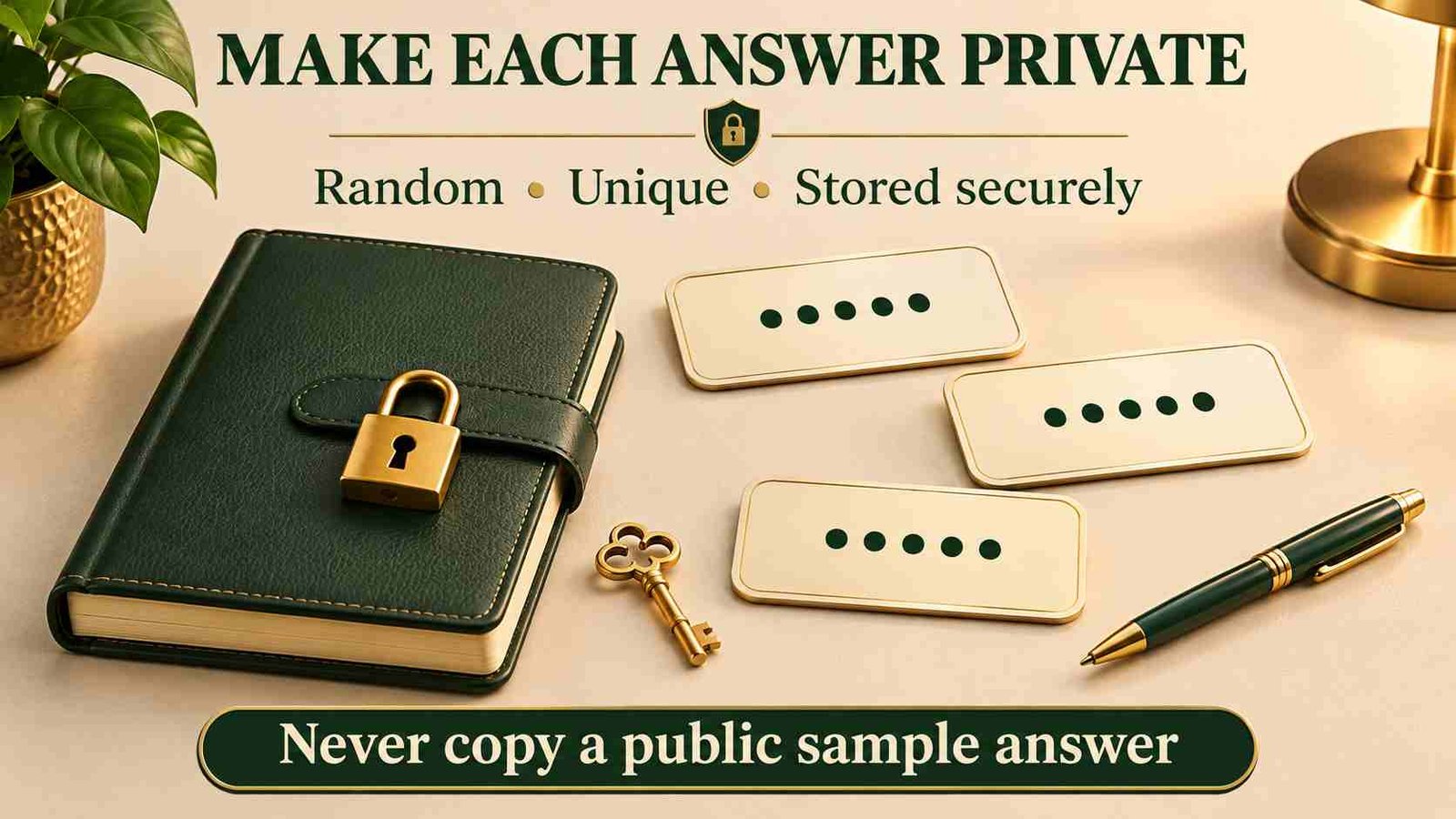
Use a different answer for every account. Reusing one creates a single point of failure: if someone discovers it once, they may try it elsewhere. Some security question examples invite predictable answers, so randomness matters more than memorability.
For security question examples like these, random answers are difficult to recall; save them in a password manager’s secure notes or another encrypted storage tool. Record the exact spelling, spaces, and capitalization; even a small difference may prevent recovery. Keep the notes protected with a strong, unique password and, where available, multifactor authentication.
Check Answer Restrictions Before Saving
A service may limit answer length, reject punctuation, ignore capitalization, or remove extra spaces. Before answering security question examples like those above, read the service’s instructions and use a long, random answer within the accepted format. Do not assume adding a symbol or changing a letter’s case creates a meaningfully different secret.
For a user-chosen answer field, use your password manager’s generator where the service allows it. Save the question, answer, account address, and any relevant format notes together. If several questions are required, give each one a different answer; repeating one secret across all fields defeats that separation.
Random answers are appropriate only where you are allowed to choose the secret. They are not advice to provide false information during identity checks, financial verification, or an official support process. Follow the provider’s requirements for those checks.
If You Can Write Your Own Question, Avoid Password Hints
A custom question is not automatically safer than a preset. Do not use it to reveal part of your password, describe your password pattern, or point to where a secret is stored. Treat the question text as potentially visible to someone trying to recover your account.
A question such as “What is my usual password with the year added?” exposes a pattern rather than protecting a secret. OWASP’s guidance for legacy security questions highlights the risk of turning custom questions into password reminders. If a question is mandatory, keep it free of clues and store the unrelated answer privately.
A Strong Answer Cannot Fix a Weak Recovery Process
You control the answer you choose, but not everything a provider does with it. A long random answer does not prove that the service stores it securely, limits guessing attempts, or protects changes to recovery settings. A padlock in the browser confirms an encrypted connection; it does not certify those account protections.
Review the provider’s published recovery instructions before relying on an account for important work. Look for another supported verification method and a clear way to report unauthorized changes. OWASP’s password-recovery guidance treats the recovery flow as a security-sensitive process, not simply a question with a memorable answer. Do not deliberately trigger repeated recovery attempts to test a service’s defenses; use its documentation and official support channels.
Set Up Recovery Carefully and Avoid Lockouts
For all the security question examples discussed here, a secure answer is useful only if you can remember or retrieve it when needed. If you use randomized answers, record each one immediately in a trusted password manager, alongside the account name. Avoid small variations that are easy to mix up, such as changing a spelling or punctuation mark.
Where possible, test the account’s recovery settings before you need them. Check that your backup email and phone number still work, and update them when they change. Out-of-date details can turn a forgotten password into a lockout.
Avoid storing answers in unprotected notes, shared documents, or public profiles. Use protected storage you understand and can access during recovery. Never reveal them in response to unsolicited emails, calls, or messages; a legitimate support team should not need your secret answers that way. For broader site-trust research, see this guide to evaluating whether a site is safe to visit and trust. That can help you assess a website, but it does not verify how securely the site handles account recovery.
Keep Recovery Access Separate From the Account You Might Lose
Think through a realistic lockout: if your phone is missing and your email is inaccessible, where will your recovery information be? A backup code saved only inside that same email account may be unreachable when you need it. Choose a protected storage location that fits the provider’s recovery process.
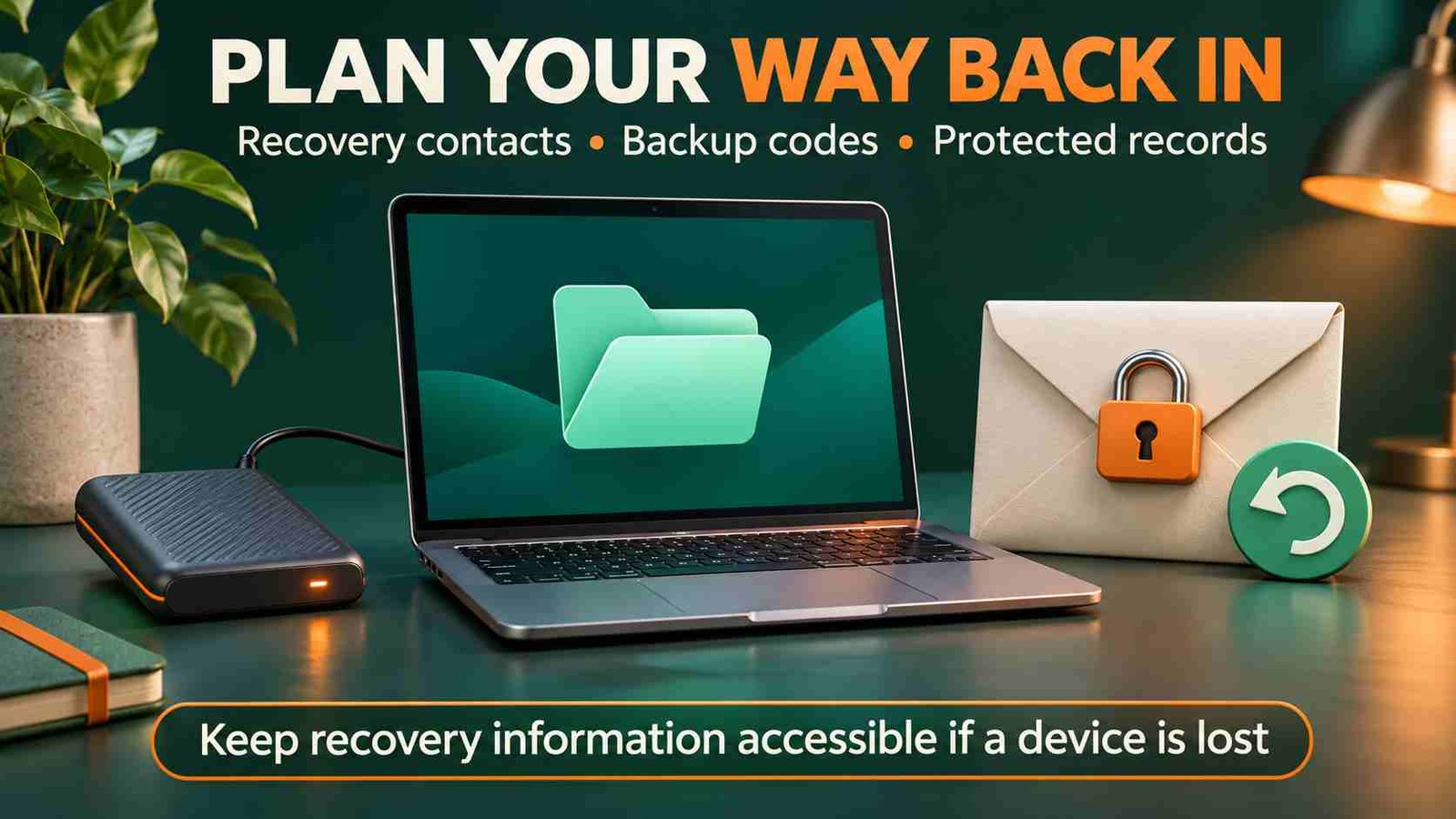
Protect your password manager as well, and understand how you would regain access to it. Keep any supported emergency or recovery material somewhere private and retrievable. Do not remove an existing recovery method until you have set up and checked its replacement. A trusted recovery contact should be selected deliberately, not simply because the option is available.
What to Do If You Forget a Security Answer
First check your password manager or protected recovery record for the exact account and question. If you are still signed in on a trusted device, review the service’s security settings; changing a recovery answer may require your password or another verification step.
If you are locked out, use the provider’s official recovery page and any alternative method it offers. Avoid repeated guesses that may trigger delays or lockouts. Reach support through the official app or website, and follow its identity-verification process. No outside service can legitimately guarantee that it can recover every account.
Once access is restored, update the recovery record and review the remaining methods. If you generate a new set of backup codes, follow the service’s instructions for replacing the old set in your records.
What to Do If an Answer Has Been Exposed
If you shared an answer, entered it on a suspicious page, or learned that it was disclosed, treat it as compromised. Open the service directly through its official app or a known address, then change the answer where supported. Update any other account that reused that same answer.

If your password was also entered or exposed, replace it with a unique one. Review recovery email addresses, phone numbers, trusted devices, and active sessions for unfamiliar changes. Use the provider’s account-security guidance to sign out sessions or revoke access when appropriate. Secure the connected email account too, because it may receive password-reset messages.
Do not send passwords, backup codes, or complete recovery answers to someone who contacts you unexpectedly. A social media quiz about pets, schools, or childhood details can also reveal information used in recovery. Avoid posting those details as if they were harmless account hints.
Keep recovery answers out of AI chats as well as public posts. Our Polybuzz AI privacy and safety review explains what to check before sharing information with a character-chat service. That review does not verify an account’s recovery security; never use a chat service to store your secret answers or backup codes.
Frequently Asked Questions
1. What are common security question examples?
Common prompts ask about a first pet, childhood street, first school, mother’s maiden name, or favorite movie. These examples show familiar recovery questions, not questions that are reliably private or secure.
2. Should I give factual answers to these security question examples?
Where a service lets you choose a secret answer, use a unique random value instead of discoverable biography. Follow different requirements when completing an identity check or an official verification process.
3. What makes a security answer harder to guess?
An answer should be random, unique to its account, and unrelated to public facts about you. Store it securely and follow the service’s allowed length and character rules when setting it.
4. Can I reuse the same answer for several accounts?
Avoid reuse. If one answer becomes known, another account using it may also be at risk. Keep separate answers for each account and each required question, with clear records for recovery.
5. Are security questions a form of MFA?
No. A password and a security answer are both knowledge-based secrets, so combining them does not provide independent factors. Use a supported MFA method and review account recovery options separately.
6. What should I do if I forget an answer?
Check your protected records first, then use the provider’s official recovery process and available alternatives. Avoid repeated guesses or paid recovery promises, and update your records after regaining account access.
7. Where should I save answers to security question examples?
Use a trusted password manager or suitable encrypted storage, and record the exact question and answer together. Plan how to access that information if your usual device or account becomes unavailable.
8. Can I remove security questions after enabling MFA?
Some services allow removal or replacement; others still require questions. Check the account settings, establish another supported recovery route first, and confirm access before removing an existing fallback from your account.
Conclusion
Security question examples can help you recognize familiar prompts, but choosing a less familiar question does not make an account secure. Personal facts may already be known, shared, or discoverable. When a service requires a user-chosen recovery answer, use a unique random secret within its rules and store it with the exact question. Prefer stronger supported sign-in and recovery methods, and remember that a password plus a security answer is not multifactor authentication. Review the complete recovery process before relying on it.
Start with the accounts that matter most, especially the email account connected to your other services. Check recovery contacts, protect your password manager, and make sure backup information will remain accessible if your phone or account is unavailable. Replace exposed or reused answers through official settings, and use the provider’s recovery process if you are locked out. A useful recovery plan balances privacy with access: it should resist guessing while giving you a documented, practical route back into your own account.