These infotech tutorials turn common digital chores into clear, manageable tasks. Each guide focuses on an outcome you can complete with familiar devices and services, from protecting an account to using AI tools more thoughtfully.
Steps can differ slightly depending on your app, device, or retailer. These infotech tutorials highlight what to look for, so you can adapt as you go.
1. Create a Strong, Memorable Password
A long, distinctive passphrase is usually easier to remember and harder to guess than a short password made complex with symbols. Choose unrelated words, and avoid personal details such as birthdays or pet names.
Use a different password for email, banking, and shopping accounts. Reuse can put several accounts at risk if one service is breached. A reputable password manager can create and securely store unique credentials, so you need to remember only its main password.
For more detail on choosing and managing credentials, see NIST’s password security guidance.
2. Turn On Two-Factor Authentication
A unique password is a strong start; two-factor authentication (2FA) adds another check at sign-in. In your account’s security settings, turn it on and choose an authenticator app or passkey when available. Some services offer text-message codes, which are convenient but can be less secure.
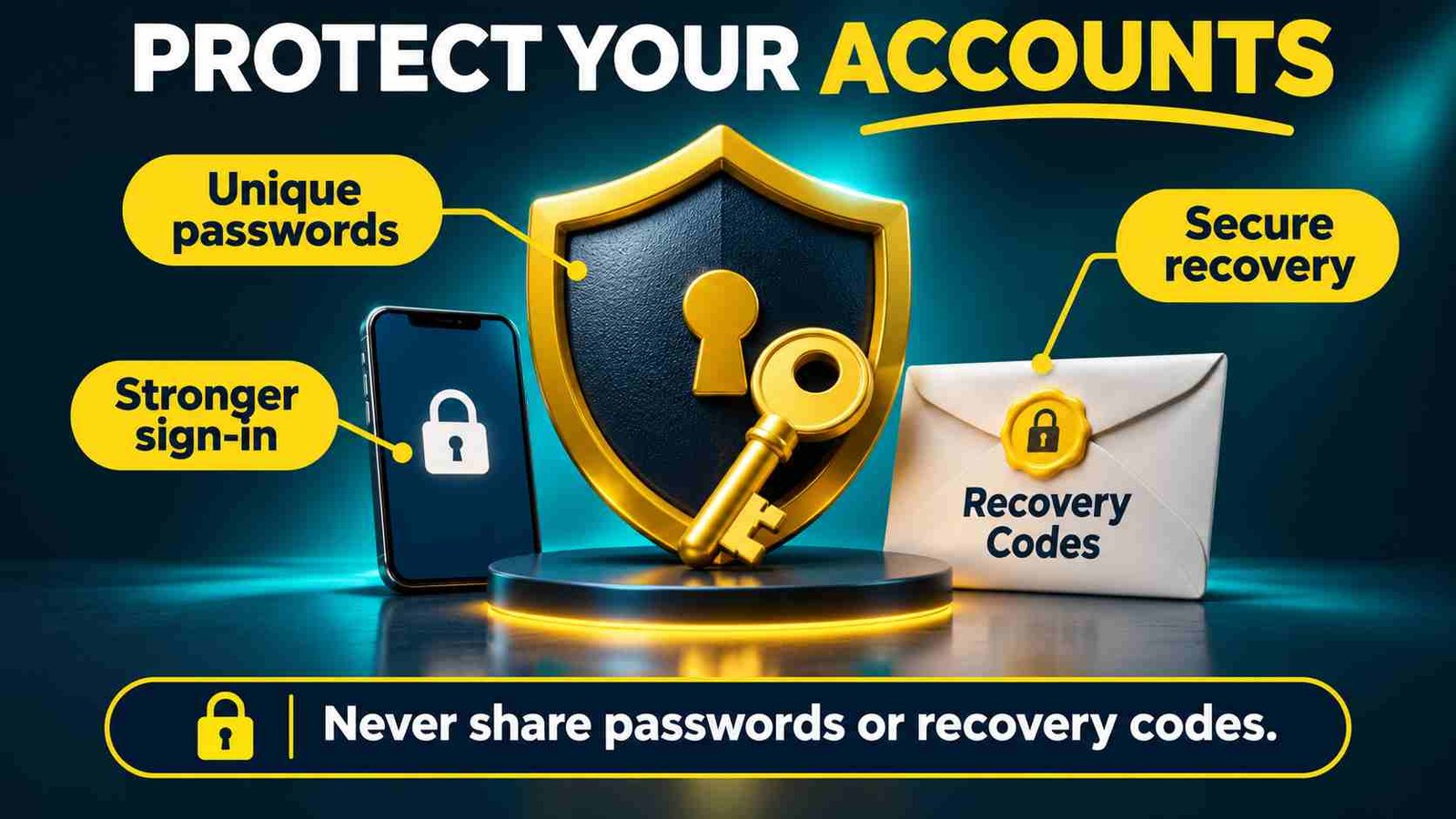
Save backup codes somewhere secure and separate from the device you use to sign in. 2FA reduces risk, but it cannot make an account invulnerable. Recovery options can help you regain access if your phone is lost.
For a Google account, follow Google’s official 2-Step Verification instructions. Other providers may use different settings and sign-in methods.
3. Make Account Recovery Safer
Recovery options can help you regain access, but outdated details may lock you out. As you work through these infotech tutorials, review the recovery email and phone number on each important account. Make sure you can access them, and update them if they’ve changed.
If a service uses security questions, avoid answers that people could infer from social media or public records, such as a hometown or pet’s name. Check these security question examples and safer alternatives for ways to choose less guessable answers.
4. Spot a Suspicious Link Before You Click
When following links in these infotech tutorials or elsewhere, check who sent the message and whether the address matches the service’s official domain. A familiar logo or polished message isn’t proof that a request is legitimate. Be cautious of urgent demands to pay, share a password, or verify an account immediately.
If a message claims there’s a problem, open the service’s official app or type its address yourself instead of following the link. This quick check can help you avoid fake login pages and payment scams.
5. Infotech Tutorials for Organizing Everyday Files
A simple folder system is easier to maintain than an elaborate one. Start with a few broad folders, such as Work, Personal, and Household, then add project folders only when needed. Use clear filenames with a date or project name, such as “2025-03-14-tax-receipt.”
To maintain the file system you set up with these infotech tutorials, spend a few minutes each week sorting your Downloads folder and moving shared documents to the right place. Cloud syncing makes files available across devices, but it is not an independent backup. Keep a separate copy of important files on an external drive or backup service.
6. Back Up Photos and Important Documents
Choose a cloud backup service, an external drive, or both. A cloud account can save photos and documents automatically, while a drive gives you a separate copy you control. Check what your service includes and how much storage you have.
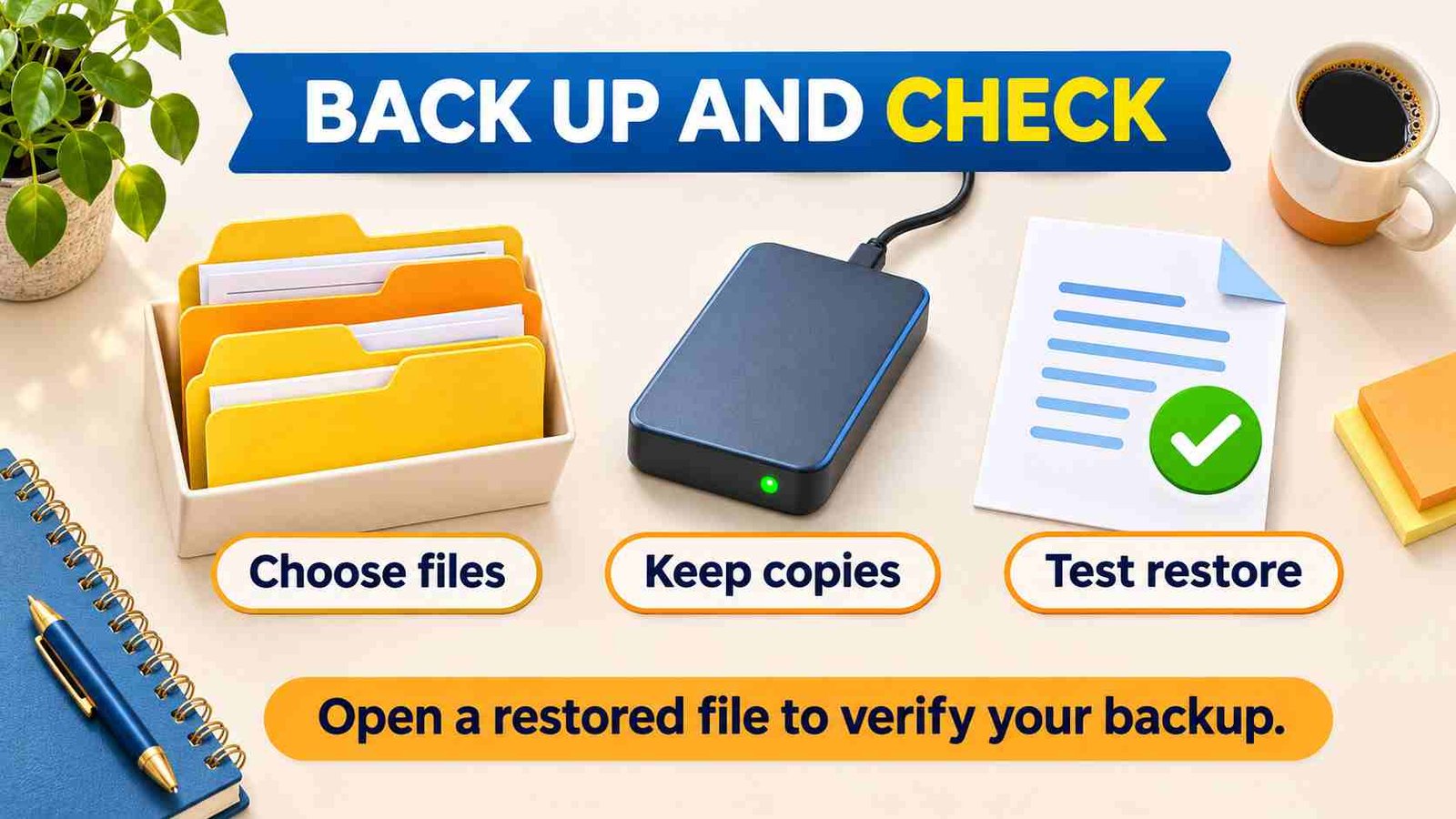
Syncing keeps files similar across devices, but it may also copy deletions. It is not always a separate backup. After saving files, open a few photos and documents from the cloud or drive to confirm you can access them. These infotech tutorials are most useful when you verify the steps worked.
7. Shop for Groceries Online With Fewer Surprises
Add items to your cart, then check quantities, sizes, and prices before continuing. At H-E-B, available stores and pickup or delivery options depend on your location. Review any proposed substitutions and mark whether you’d accept them.
Before checkout, confirm the pickup window or delivery time, plus service and delivery fees. If you’re new to the process, the H-E-B online shopping guide explains retailer-specific steps. As with the other shopping steps in these infotech tutorials, a final review can help prevent unexpected costs or missing essentials.
8. Compare an Online Purchase Before Checking Out
Before buying, compare the total cost—not just the advertised price. Add shipping and taxes, and check whether returns involve a fee or return shipping cost. For example, a cheaper item may cost more overall if delivery is expensive.

Check the estimated arrival date, return window, and seller details, especially on marketplaces. Retailer websites and policies can change, so verify the current terms at checkout before placing your order. These infotech tutorials can help you make a more informed comparison, but the final details matter.
9. Use AI to Create or Rework an Image
Start with an image you own or have permission to use. Describe the subject, style, and intended use clearly—for example, “make this garden photo look like a watercolor for a greeting card.” For the creative tasks in these infotech tutorials, specific instructions make results easier to review and refine.
Use this guide to image-to-image AI to compare tools and learn the workflow. Change one detail at a time, then review the image for unwanted changes, errors, or details that don’t suit your needs.
10. Check Whether an Image May Be AI-Generated
Before relying on an image, check where it first appeared and whether a trusted source provides context or provenance. Look closely for inconsistencies, such as distorted text, mismatched reflections, or oddly shaped hands. These clues can raise questions, but they don’t confirm how an image was made.
AI detectors can add context, but they can produce false positives and false negatives. Treat results as clues, not proof. For a closer look at how AI image detectors work and where they fall short, see our guide.
11. Draft a Clear Email With an AI Assistant
To practice the writing skills in these infotech tutorials, ask an AI assistant to draft or revise an email, and specify the audience, purpose, and tone. For example: “Write a warm, concise note to my landlord asking when the repair will be completed.” Vague instructions may produce a draft that misses the mark.
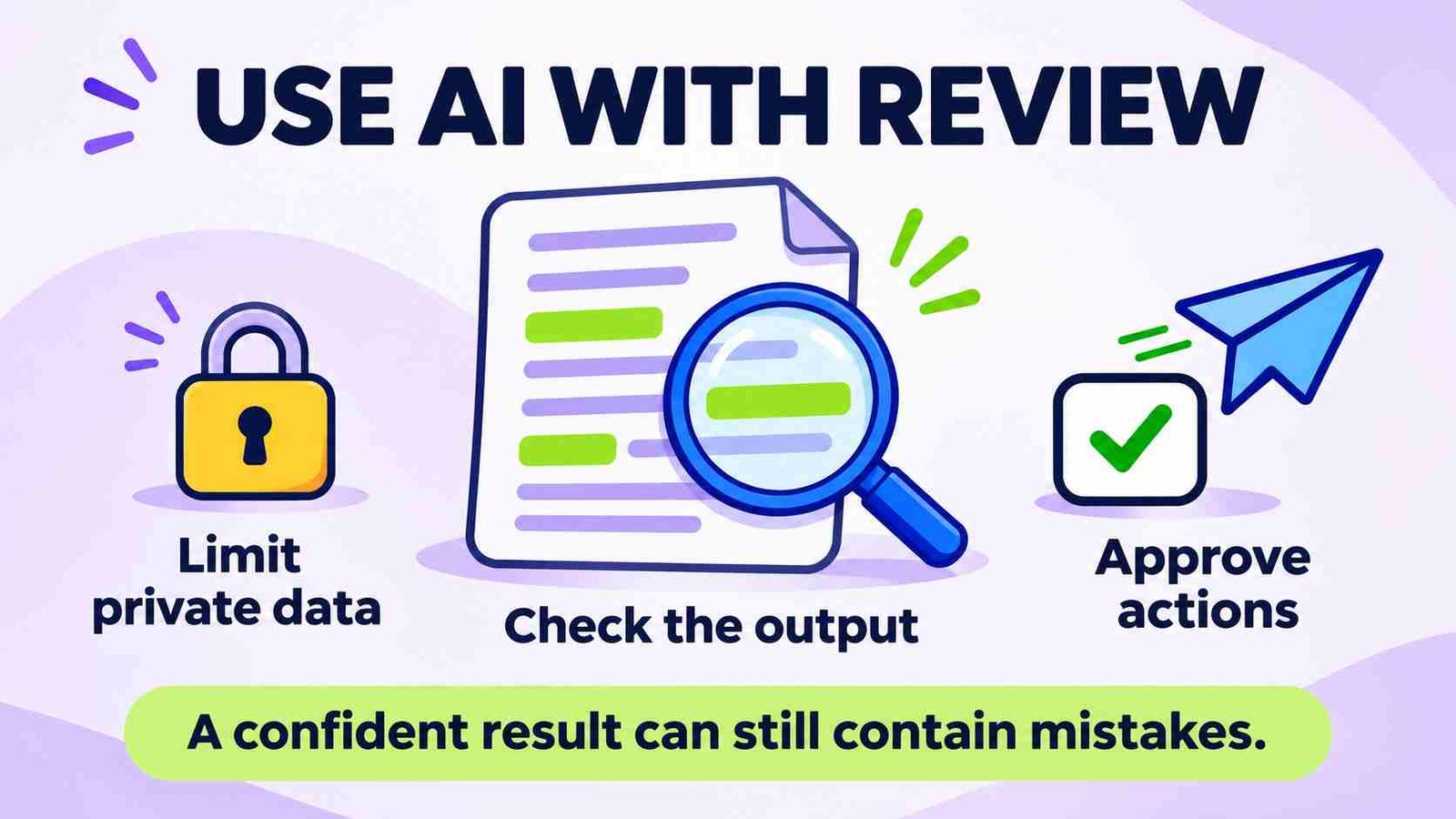
Remove confidential personal, customer, or workplace information from prompts unless the tool is approved for it. Before sending, check the facts, tone, recipient, and any sensitive details. AI can help with wording, but you’re responsible for what the email says.
12. Automate One Repetitive Task With a No-Code AI Agent
For the automation exercise in these infotech tutorials, start with a small, low-risk task, such as sorting requests into folders or drafting routine responses. Define what information the agent can use, what it should do, and what it must never do. Avoid tasks involving high-stakes decisions.
Follow this guide to build a useful AI agent without writing code. Before connecting accounts, review the agent’s permissions and limit access to what it needs. Test sample cases, then check every result before it is sent or acted on.
Frequently Asked Questions
1. What are infotech tutorials?
Infotech tutorials explain practical technology tasks in manageable steps. This guide covers account security, file organization, backups, online shopping, and everyday AI use, helping beginners build useful habits with familiar devices and services.
2. Which tutorial should a beginner try first?
Start with a task you need today. Securing your main email account and checking recovery details are useful priorities. If your files are disorganized, begin with one folder and a verified backup.
3. Is a passkey the same as two-factor authentication?
A passkey can replace password-based sign-in, while two-factor authentication adds another verification requirement. Services implement these options differently, so follow the provider’s instructions and maintain a recovery method you can access.
4. Is cloud syncing the same as backing up files?
Not necessarily. Syncing can carry deletions or unwanted changes across devices. Check the service’s recovery features, keep another copy of important files where practical, and test restoring a file before relying on it.
5. How can I check a suspicious link safely?
Avoid opening an unexpected link just to investigate it. Open the service’s official app or use a known website address instead, then verify the request through a trusted contact or support channel.
6. Can an AI detector prove an image is AI-generated?
No. Detectors can produce false positives and false negatives. Review the image’s publisher, original context, and available provenance, and treat visual inconsistencies or detector scores as clues rather than proof of its origin.
7. What should I check before placing an online order?
Review the product, seller, size, quantity, full price, delivery estimate, and return terms. For groceries, also check substitution preferences and your pickup or delivery details before confirming and saving the order information.
8. What should I review before using AI-generated content?
Check factual claims, names, dates, tone, and any unwanted image changes. Keep private information out of unapproved tools, and review messages or automated actions before they are sent or affect other people.
Conclusion
These infotech tutorials offer a practical starting point for handling everyday digital tasks with more confidence. Begin with the task that matters most, whether that means improving account security, organizing files, checking a backup, or reviewing an online purchase. Keep the process manageable and verify the outcome before moving on. A password change should leave you able to sign in, a backup should let you recover a file, and a shopping order should match the details you intended to confirm.
Apply the same care when using AI to edit images, draft emails, or automate routine work. Give clear instructions, share only appropriate information, and review the result instead of assuming it is correct. When a screen or setting differs from this guide, consult the service’s current official instructions rather than guessing. Small, repeatable habits are easier to maintain than a complicated system, and checking your work helps make those habits useful as your devices, accounts, and digital services change over time.