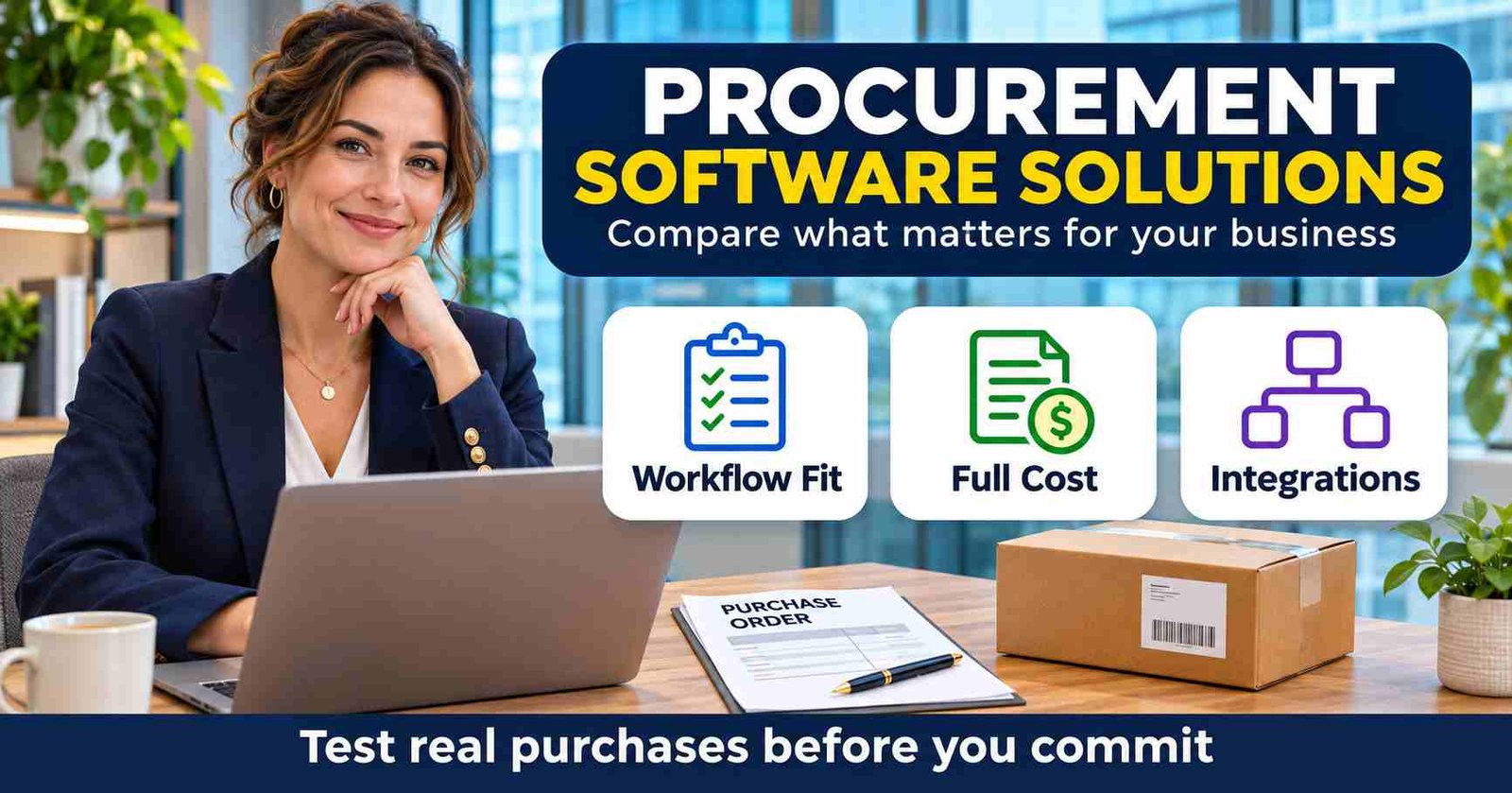
Procurement software solutions can make it easier to manage purchasing requests, approvals, suppliers, and company spend. But the right tool depends less on the size of its feature list than on how your business buys. A small team may need a straightforward way to route purchase requests, while a larger organization may need to coordinate sourcing, contracts, and payments.
These tools range from lightweight purchasing and approval apps to broader source-to-pay platforms that cover more of the buying process. Comparing them starts with understanding your workflows and priorities, then weighing business fit against total cost and implementation effort. The goal is not to buy the most software. It is to choose a solution that solves a real problem and produces measurable results, such as faster approvals or clearer spending visibility.
Which Type of Procurement Software Do You Need?
The label “procurement platform” can cover very different products. One may stop at purchase-order creation; another may include supplier sourcing, contracts, receiving, invoice processing, and payment integrations. Ask where each workflow starts and ends before comparing prices.
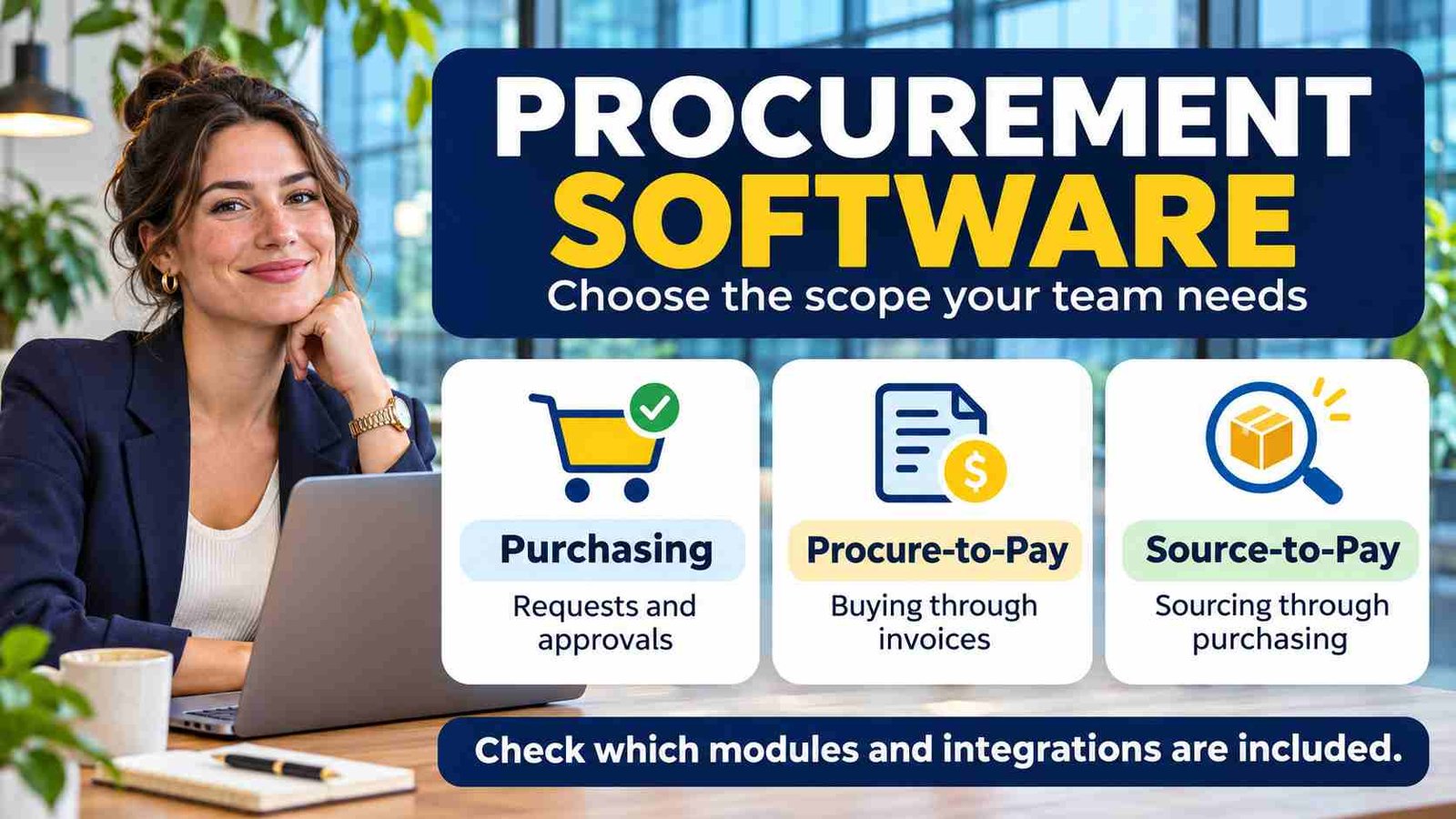
| Software scope | Main purpose | Question to ask |
|---|---|---|
| Purchasing and approvals | Manage requests, approval rules, and purchase orders. | Who handles receiving and invoices after the order is placed? |
| Procure-to-pay | Connect purchasing with receiving and invoice processing. | Does the platform execute payments or pass approved invoices to finance? |
| Source-to-pay | Add sourcing, supplier selection, and contract processes to downstream purchasing. | Which capabilities are included in the quote and which require extra modules? |
| ERP procurement module | Manage buying within an existing enterprise system. | Can it meet your needs through configuration before you add another platform? |
These are comparison categories, not guarantees about any vendor. A narrow purchasing tool may be enough if your accounting system already handles invoices well. A wider platform makes more sense when disconnected sourcing, contracting, and buying processes are the problem.
Start With Your Purchasing Needs and Must-Have Workflows
Before comparing procurement software solutions, define what needs to improve. Start by tracing how a purchase moves through your business today, from an employee’s request to supplier payment. Include the steps that happen outside formal systems, such as approvals buried in email or order details tracked in spreadsheets.
Map requests, approvals, purchase orders, invoices, and supplier onboarding. Note who handles each step, where information gets re-entered, and where delays or errors occur. For example, if invoices often arrive before purchase orders are recorded, matching them may be a more urgent need than advanced spend analytics.
Next, separate launch requirements from features that could wait. Essential needs might include approval routing, budget checks, or purchase-order tracking. Useful extras could include predictive analytics or advanced supplier scoring. Prioritizing this way helps you compare vendors against real problems rather than an impressive feature list.
Consider the scope of purchasing the platform must support. A small organization with a few approvers may need simpler controls than a multinational business managing many locations, currencies, and approval rules. Purchasing volume, regulatory obligations, and audit requirements also affect which workflows and records the system must handle.
Be specific about the teams and transaction types involved. Decide whether the solution needs to support direct spend, such as materials used to make products; indirect spend, such as office supplies and software; or both. Include finance, procurement, department managers, and anyone who requests or approves purchases. Their needs can differ, so a short list of must-have workflows gives vendors a clearer basis for demonstration and helps your team judge practical fit.
Compare Core Features, Integrations, and Ease of Use
Use the workflows your team identified to compare what each platform can actually do. Ask vendors to demonstrate common tasks, such as submitting a purchase request, routing it for approval, and converting it into a purchase order. Feature names can vary, so focus on whether the steps match your process and where work still happens outside the system.
Consider supplier management, contract or catalog controls, invoice handling, and spend reporting where they address a real need. For example, a catalog may help control routine purchases, while detailed reporting may matter more to a team tracking spending across departments. Check whether reports answer practical questions, such as which suppliers account for the most spending or where approvals are delayed.
Next, map each product to your existing technology stack. Check connections to accounting or ERP software, identity tools, inventory systems, and collaboration apps. Ask whether each integration is native, built by a partner, or requires custom work. Also confirm what data moves between systems, how often it updates, and who handles support when something breaks.
Some platforms use modular, reusable components to connect functions or adapt to different systems. This approach can support flexibility; how reusable software components shape modern apps explains the broader idea. But architecture alone does not guarantee a reliable integration. Validate the specific connection with your systems, and ask about setup, upgrades, monitoring, and ongoing maintenance.
Finally, test usability with people who will request, approve, and manage purchases. A clean interface may reduce training needs, but see how it handles exceptions, mobile use, and routine tasks under realistic conditions. Compare procurement software solutions on the full experience—not just the feature checklist—including whether employees can complete work without extra steps or repeated data entry.
Test Approval Controls and Invoice Exceptions
A standard purchase is only part of the demo. Ask what happens when the approver is away, a request exceeds the budget, goods arrive in two shipments, or an invoice includes a higher price than the purchase order. The system should make the next action and responsible person clear.
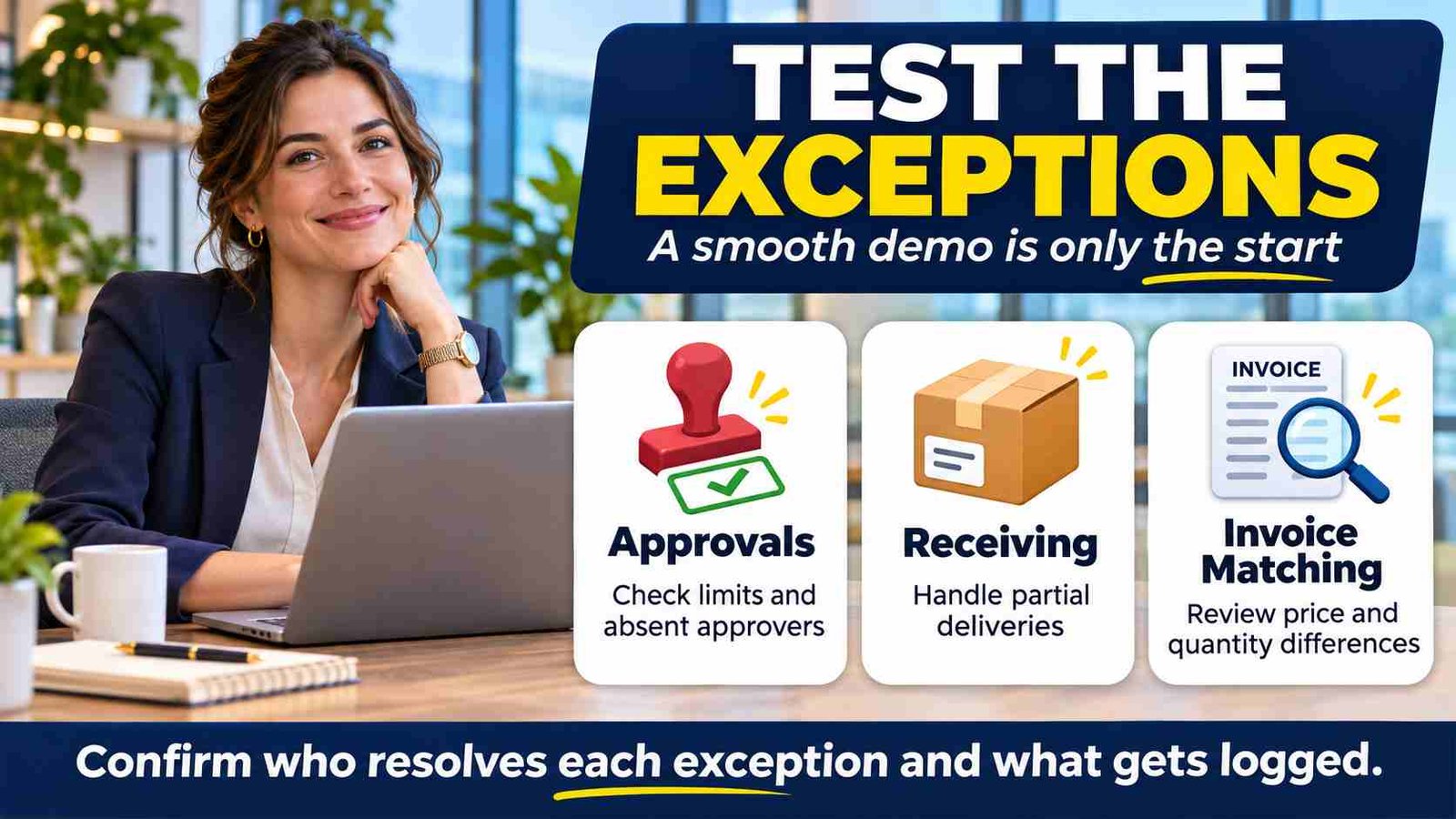
Where invoice matching is included, check which documents are compared. Two-way matching typically compares an invoice with its purchase order; three-way matching adds the receiving record. Oracle’s matching documentation illustrates configurable matching levels. Ask each vendor to demonstrate its own tolerances, holds, and resolution process rather than assuming the same label means the same behavior.
- Approval separation: Can a requester approve their own purchase, and who can override a rule?
- Partial receipts: Can staff record what actually arrived without marking the whole order complete?
- Duplicate invoices: What triggers a warning, and who reviews a suspected duplicate?
- Supplier-detail changes: Who can edit payment information, who verifies it, and is the change logged?
- Exceptions: Can users see the reason for a hold and resolve it without losing the audit history?
Software controls depend on configuration and day-to-day use. A visible warning is not the same as a blocked transaction, so ask vendors to show both the normal user’s permissions and the administrator’s options.
Evaluate Security, Reporting, and AI Claims
A procurement platform may hold supplier records, contracts, purchase histories, and payment details. Ask how the vendor controls access, records user activity in audit logs, and handles sensitive supplier or payment information. Find out what data is encrypted, how long it is retained, and how backups are protected and restored.
Request current security documentation, such as independent assessment reports or certifications, and ask how often it is updated. Clarify who can access your data, what happens when an employee leaves, and how the vendor would notify you of a security incident. These details help you compare safeguards rather than relying on broad claims that a system is “secure.”
Test reporting with questions your team needs to answer: Which categories drive spending? Where are approvals delayed? Which suppliers account for the most purchases? Are departments on track with their budgets? Useful procurement software solutions should make these answers accessible without requiring users to export data into several tools and reconcile it manually.
Ask vendors to demonstrate those questions using realistic sample data. Check whether users can filter by department, supplier, category, or time period, and whether reports show the source of the numbers. Reporting can still have limits: incomplete or inconsistent purchasing data may produce a misleading picture, regardless of how polished the dashboard looks.
Treat AI features as tools to evaluate, not proof of better control. For invoice extraction, recommendations, or forecasting, ask what data trains or informs the feature, how outputs are checked, and when a person must review them. A wrong supplier match or forecast can affect payment and planning, so confirm how users can catch and correct errors. For background, read how AI systems work and where their limits matter and consider the limits and risks of generative AI assistants. Automation may reduce routine work, but it should not replace approval rules, audit trails, or human judgment on exceptions.
Calculate Total Cost and Plan for Implementation
A quoted subscription is only one part of the cost. Ask vendors to price the license tier you need, plus user or transaction charges that could rise as adoption grows. Include implementation services, data migration, integrations, training, and ongoing support in the comparison.
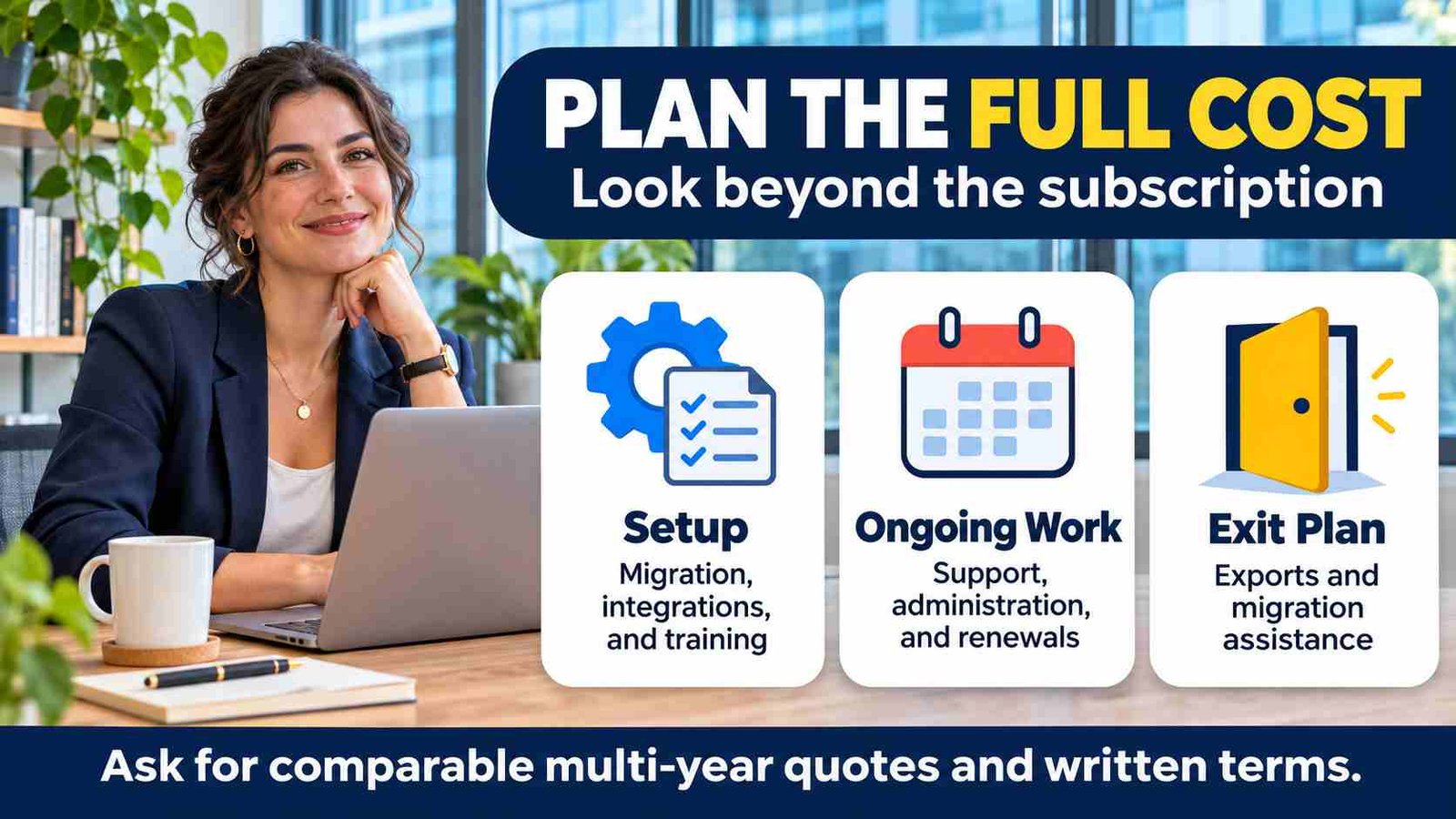
Also ask how renewal pricing works. A low first-year rate may increase later, and extra modules or usage can add costs. Put assumptions side by side in a multi-year estimate, much like a checklist for evaluating a paid software subscription: check what is included, what costs extra, and when charges may change.
Cost is not just money paid to the vendor. Compare time to value: how long until the system supports a useful workflow, such as routing purchase requests and recording approvals? Find out who must configure rules, maintain integrations, manage users, and help employees. A tool with lower setup fees may require more internal effort to keep it working.
Use demos and trial periods to test, not just to watch a polished presentation. Run a representative workflow with realistic roles and purchasing scenarios, including an exception such as a request above an approval limit. Check whether finance, requesters, and approvers can complete their tasks without workarounds. Trials may not include every feature or reflect your live environment, so treat results as evidence to verify, not a guarantee.
Before signing, confirm pricing, renewal terms, implementation responsibilities, support response times, and service commitments in writing. Make sure your team has the capacity to deploy and sustain the system. The best-fit procurement software solutions are those the organization can use reliably, not simply those that look affordable on day one.
Prepare Supplier Data and Roll Out in Stages
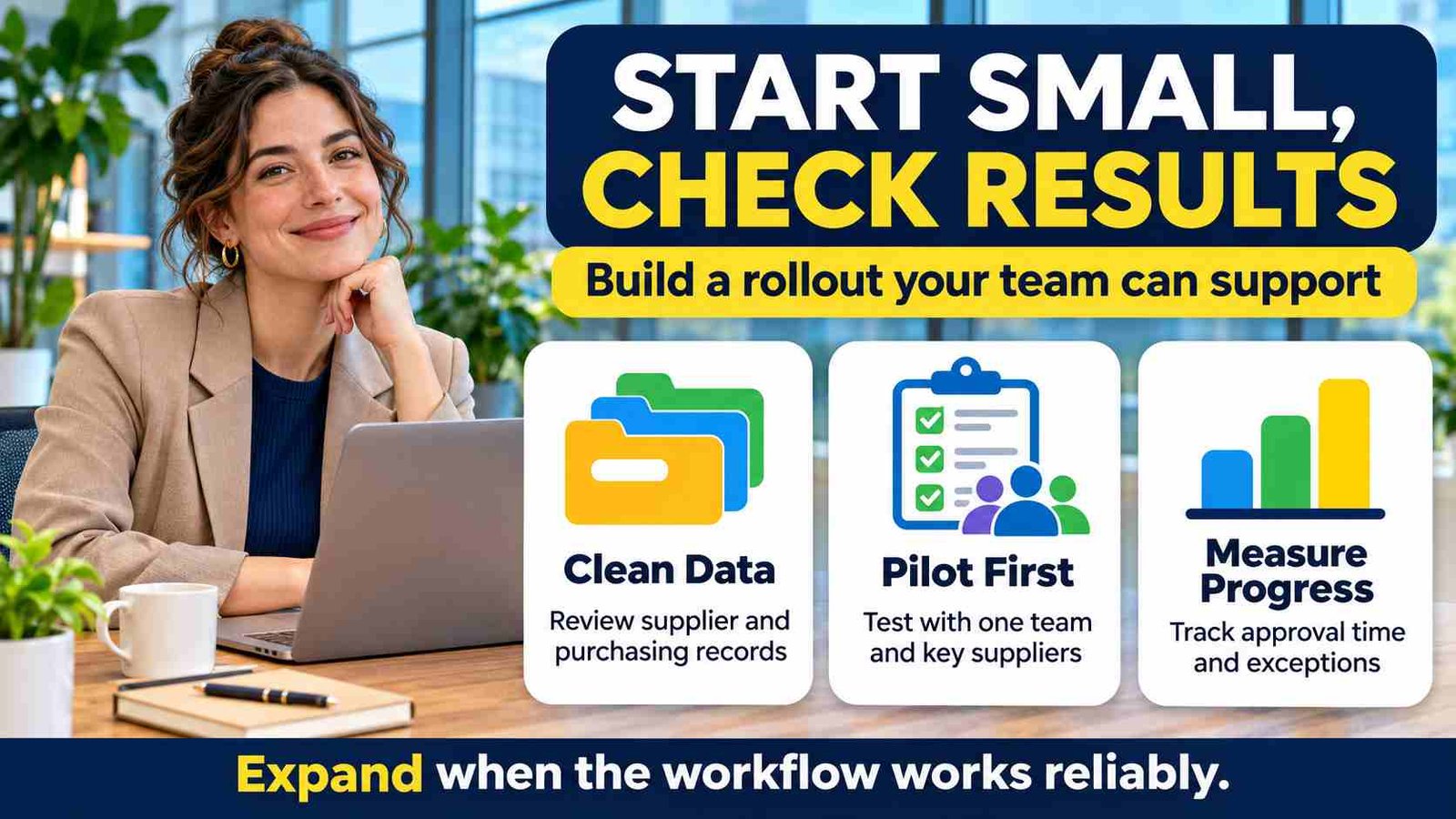
Even a good platform will struggle with duplicate suppliers, outdated addresses, and inconsistent purchase categories. Before migration, decide which records you need, remove duplicates, and assign an owner for supplier and accounting data. Reconcile a sample of imported records with the original system before relying on reports.
Ask suppliers what they will need to do differently. Must they register for a portal, use a new invoice format, or pay network charges? Test the process with a few suppliers, including a smaller business with limited technical support. A workflow that saves your team time but creates confusion for suppliers may simply move the work elsewhere.
Start with one department or purchasing category. Name the people responsible for configuration, user training, supplier questions, and integration failures. Agree on acceptance checks before expanding: a request reaches the right approver, a purchase order carries the correct details, and receiving and invoice records reconcile where those features are in scope.
Keep a documented fallback for urgent purchases and failed integrations. Review exceptions during the pilot, adjust rules, and expand only when staff can complete the process reliably. A phased launch gives the team room to fix practical problems before they affect every purchase.
Use a Consistent Scorecard to Choose Between Vendors
Once vendors have shown how they handle your workflows, use one scorecard to compare them fairly. Include workflow fit, integrations, usability, security, reporting, support, implementation effort, and total cost of ownership. Weight each category by business impact: for example, security may be critical for a regulated business, while integration matters most if purchasing data must flow into existing finance systems.
Ask finance, procurement, IT, and frequent requesters to score the same demo scenarios. A shared exercise shows where experiences differ and helps prevent a polished presentation from outweighing day-to-day fit. For guidance on evaluating product claims, see an example of assessing software fit, features, and limitations.
If scores are close, check references, review trial results, and examine contract terms before deciding. Confirm that promised integrations and support are documented, not just mentioned in a demo. The best procurement software solutions meet critical needs at a manageable cost and level of complexity—not necessarily the vendor with the highest score or longest feature list.
An Example Vendor Scorecard
The weights below are illustrative, not a universal benchmark. Score each criterion from 1 to 5 using the same scenarios, then multiply its score by its weight. Mark an untested claim as unverified rather than awarding points for a promise.
| Criterion | Example weight | Evidence to record |
|---|---|---|
| Workflow and control fit | 30% | Completed demo scenarios and exception handling. |
| Integrations and data quality | 20% | Test results, data mapping, and support ownership. |
| Usability and adoption | 15% | Feedback from requesters, approvers, and administrators. |
| Security and auditability | 15% | Current documentation and verified access controls. |
| Total cost and implementation | 15% | Comparable multi-year quotes and internal workload. |
| Support and exit options | 5% | Written commitments and a sample data export. |
Set pass-or-fail requirements separately. A vendor that cannot meet a mandatory security or accounting requirement should not win because it scores well on convenience. Keep the evidence beside the score so decision-makers can see what was tested and what still needs confirmation.
Measure Results and Keep an Exit Plan
Record a baseline before launch. Useful measures include typical request-to-approval time, the share of purchases using the agreed process, invoice exceptions, and time spent correcting supplier records. Define how each measure is calculated so changes in reporting do not look like improvements in performance.
Review the results after the pilot and at agreed checkpoints. Faster approvals are useful only if required checks still happen. Treat projected savings as an estimate until finance can connect them to actual results; avoid counting the same improvement twice.
Before signing, request a sample export of suppliers, purchase orders, invoices, attachments, and approval history. Confirm export formats, migration assistance, retention periods, and any exit charges. Your team should know how it would retrieve usable records if it changes providers, not discover the limits when the contract ends.
Frequently Asked Questions
1. What are procurement software solutions?
Procurement software solutions help businesses manage purchasing activities such as requests, approvals, purchase orders, suppliers, and invoices. The scope varies, so confirm which steps each product supports and what remains in other systems.
2. What is the difference between procure-to-pay and source-to-pay?
Procure-to-pay focuses on purchasing through receiving and invoice processing. Source-to-pay adds earlier activities such as sourcing and supplier selection. Vendors package these capabilities differently, so check the quoted modules and integrations.
3. Which procurement features should a small business prioritize?
Start with the problems your team faces most often, such as slow approvals, missing purchase orders, or repeated data entry. Prioritize simple workflows, accounting integration, clear pricing, and manageable administration over unnecessary modules.
4. How much does procurement software cost?
Total cost depends on the platform, users, transaction volume, modules, implementation, and support. Compare multi-year quotes that include migration, integrations, training, internal administration, renewal terms, and potential charges for leaving the service.
5. What should you test during a procurement software demo?
Run the same realistic purchase through every vendor’s system. Include an absent approver, an over-budget request, a partial receipt, and an invoice mismatch where relevant. Record results instead of relying on feature labels.
6. Can procurement software integrate with an existing ERP?
Many platforms offer ERP or accounting connections, but coverage varies. Verify supported versions, data fields, update frequency, error handling, and support responsibility. Test the specific integration before assuming it will remove manual work.
7. Are AI procurement features reliable enough to automate approvals?
AI outputs can contain mistakes, especially with incomplete or inconsistent data. Test accuracy on representative examples, keep required approval controls, and define which exceptions need human review before enabling automation in live purchasing.
8. How do you know whether a procurement platform is working?
Compare agreed measures with a baseline, including approval time, process adoption, invoice exceptions, and administrative effort. Review whether controls still work and ask finance to validate any claimed savings against actual results.
Conclusion
Choosing procurement software solutions starts with understanding how your business buys and where the current process breaks down. Compare platforms on the workflows you need, including approvals, supplier records, integrations, and invoice handling where relevant. Ask vendors to demonstrate exceptions as well as straightforward purchases, and involve the people who will use and maintain the system. A clear scorecard helps organize the evidence, but mandatory requirements should remain separate from the overall score. The aim is a workable process your team can sustain.
Plan beyond the subscription price. Allow for data cleanup, supplier onboarding, training, integration support, and the internal effort needed to keep purchasing records accurate. Start with a manageable pilot, measure results against a baseline, and expand when the process works reliably. Confirm renewal terms and data-export options before committing, and treat AI features as capabilities to test rather than a reason to skip human review. The right platform should make everyday purchasing clearer while giving your business room to adapt as its needs change.