This guide uses “advance business systems” to discuss the connected software and technology a company uses to run operations, serve customers, and make decisions. It is a general evaluation guide, not a review of a particular supplier named Advance Business Systems. The term can include ERP and CRM platforms, accounting and inventory tools, project management software, analytics, and AI-enabled applications.
Before comparing products, define what you mean by a business system and which problems you need to solve. A small company may need dependable accounting and inventory software, while a growing team may need tools that share customer, sales, and operations data. More features do not necessarily mean a better fit.
A practical evaluation starts with how your work gets done today and where delays, errors, or extra costs arise. From there, consider whether a system is easy for employees to use, connects with tools you already rely on, and protects sensitive information. Look beyond the subscription price, too: setup, training, maintenance, and support can affect the total cost.
This guide offers a grounded way to compare options, including vendor reliability and room to grow. The aim is not to choose the most advanced platform, but one your team can use effectively and affordably.
Define What Your Business Needs the System to Do
Before comparing advance business systems, start with the work your company needs to improve—not a list of features. A platform may offer many tools, but those tools matter only if they address real problems and fit the way your team works.

Choose a recurring process, such as handling an order, sending an invoice, or responding to a customer inquiry. Map each step from beginning to end, including who does the work and which tools they use. Note delays, repeated data entry, manual workarounds, and places where information gets lost or has to be tracked down.
For example, an order might move from a sales spreadsheet to an inventory tool, then to accounting software. If staff re-enter the same details at each stage, errors and delays can build up. Speaking with the people who handle the process day to day can reveal these problems more clearly than reviewing it from a manager’s desk.
Include everyone affected by the system: everyday users, managers, IT staff, and anyone who relies on its reports or data. Ask what slows them down, what they need to see, and what cannot be interrupted during a changeover. A system that looks efficient to a purchaser may create extra steps for the people expected to use it.
Turn the problems you find into measurable requirements. Instead of saying “improve order management,” specify a target, such as reducing average processing time from two days to one. Other useful measures include fewer billing errors, faster customer responses, or reports that arrive reliably by a set deadline. Record your current performance first, so you can judge whether a new system makes a difference.
Then separate essential requirements from preferences. Essentials may include accurate inventory records, role-based access, or reliable links to existing accounting software. Preferences might include a particular dashboard layout or extra automation. This distinction helps keep comparisons focused and makes trade-offs easier to discuss.
Make a short list of must-haves and a separate list of useful extras. Check that each must-have connects to a specific business need, and ask users to review the list before vendor conversations begin. That preparation gives you a practical basis for comparing systems, rather than relying on feature demonstrations that may not reflect your company’s actual work.
Match System Capabilities to Workflows and Users
With your requirements list in hand, compare advance business systems against the work people actually do. Ask vendors to demonstrate common tasks, such as processing an order or approving an expense. Then test less routine cases: a missing document, a disputed charge, or an approval that needs to be escalated. Feature lists rarely reveal how well a product handles these situations.
Look beyond individual tasks to the handoffs between teams. For example, can sales pass accurate customer details to finance without re-entry? Can managers see pending approvals and produce the reports they need? A system that works well for one department may still create delays if information does not move smoothly across the business.
Next, decide whether one broad platform, specialized tools, or a combination fits best. A broad platform can reduce duplicate data and simplify administration, but may offer fewer options for particular needs. Specialized tools can provide stronger department-specific functions, though connecting them may require extra work and ongoing maintenance. Compare the full workflow, not just each product in isolation.
When evaluating advance business systems, usability matters across roles. Check whether access can be tailored so employees see the information and functions they need, without exposing sensitive data unnecessarily. Test mobile use if staff work away from desks, and review accessibility for people with different needs. Nontechnical employees should be able to complete routine tasks without spreadsheets, side channels, or help from an administrator.
When comparing advance business systems, consider the training and process change each option will require. A system may support your preferred workflow, or it may ask teams to adopt a different one. That change can be worthwhile, but estimate the time, training, and support needed. Ask representative users—not only department heads—to try realistic tasks and describe where they get stuck.
AI features deserve the same practical scrutiny as other capabilities. If a system can draft responses, summarize records, or suggest next steps, test its accuracy with your own examples. Find out how it explains its output, what data it uses, and whether staff can review and correct results. For background, this overview of AI assistants explains common uses and considerations.
Treat AI as an optional aid, not an automatic replacement for established checks or human judgment. A suggested invoice category, for instance, may save time, but someone should review uncertain or high-impact decisions. Include these safeguards in your evaluation, especially when mistakes could affect customers, finances, or compliance.
Finally, score each option by how well it supports priority workflows, user needs, and realistic adoption—not by how many features it advertises. The best advance business systems for your company may be a single platform or a carefully connected set of tools. The right choice is the one your teams can use reliably, with manageable change and clear accountability.
When adapting advance business systems, distinguish configuration from custom development. Configuring supported fields, approval rules, or reports is different from commissioning new code or changing the product itself. Ask whether each proposed adjustment survives upgrades, who supports it, and what happens if the original implementer is unavailable. Require estimates for testing and ongoing maintenance as well as the initial build.
Choose a Deployment Model and Set Clear Responsibilities
For advance business systems, compare cloud software, on-premises deployment, and any proposed hybrid arrangement against your actual constraints. A hosted service can reduce the servers your team manages, but you still need to manage accounts, permissions, configuration, and appropriate data use. On-premises software requires a plan for infrastructure, patching, capacity, backups, and recovery; greater control also brings operational work.
Identify who owns each responsibility: your company, the software vendor, an implementation partner, or a separate managed-service provider. Record who configures access, updates connectors, monitors failed jobs, restores data, and handles incidents. Do not assume that buying support means every administrative or recovery task is included.
Test advance business systems under the conditions in which people will actually use them. Check browser and device requirements, office or field connectivity, and what staff can do during an outage. If offline work is supported, verify how edits synchronize afterward and how conflicting records are resolved.
Assess Integration, Data Portability, and Scalability
A system’s value depends partly on how well it works with the tools your company already uses. Start by listing the software it must connect with, such as accounting, payroll, customer management, or inventory systems. Then ask the vendor to show how each connection works in practice—not just confirm that an integration exists.
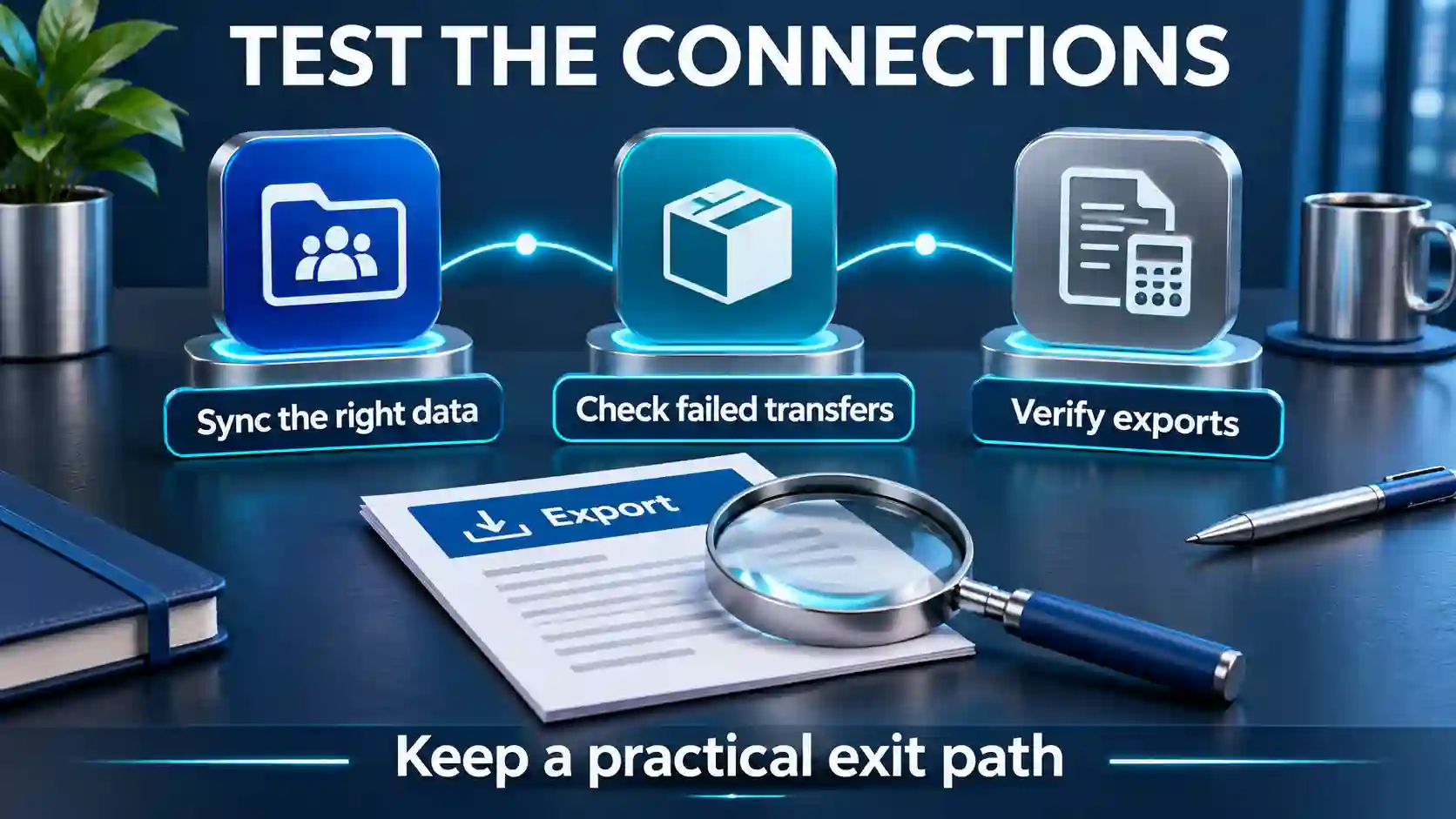
Check which data formats the system supports, whether it offers an application programming interface (API), and how often information syncs. A daily sync may be adequate for some reports but too slow for a team that needs current stock levels. Ask whether integrations require setup work, a third-party connector, or ongoing fees, and who will troubleshoot them if they fail.
For advance business systems, data portability matters both when you adopt a system and if you later leave it. Ask how the vendor will clean and migrate existing records, and how your team can verify that the transfer is complete and accurate. For example, test whether customer records, transaction histories, and attachments arrive in the right fields and remain usable.
Clarify who owns the data, what you can export, which formats are available, and whether export access costs extra. Ask how long the vendor retains your information after cancellation and how deletion is handled. Put these terms in writing where possible. Before committing, run a small migration or export test using representative data; assumptions are easier to address before they affect daily work.
When assessing advance business systems, consider growth, too. Could the system handle more users, locations, transactions, or new workflows without a costly replacement? Ask what changes trigger higher fees, and whether you can add or remove modules as needs shift. A system that fits today may still create problems if adding a capability requires duplicating data across separate platforms.
Some products use modular designs, where reusable components can be combined or updated. This approach may support adaptability, but it does not automatically make integrations simple or reduce costs. The quality of connections, documentation, vendor support, and implementation still matters. For more background, see component-based software engineering.
Finally, map a practical exit path before signing. Ask how long a full export would take, whether it includes historical records, and what support the vendor provides during a transition. Testing these details helps prevent advance business systems from becoming information silos—and gives your company more room to change tools as its needs evolve.
When testing advance business systems, check integration failures as well as successful transfers. What happens when a connection is unavailable, a record is rejected, or the same order is sent twice? Check how errors are recorded, who receives an alert, and how the team can retry or reconcile a transfer without creating duplicates. Ask whether changes to an API or connector require advance notice, retesting, or additional fees.
Verify Security, Privacy, and Reliability
After checking how you can move your data, look at how a provider protects it while you use the system. Start by listing the information the product will handle: customer contact details, payment records, employee files, or internal plans. Ask where that information is stored, which vendor staff or subcontractors can access it, and whether the provider uses customer data to train AI models.
When assessing advance business systems, review the basics of account security. Does the system support multifactor authentication, which asks users to verify their identity in more than one way? Can administrators set role-based permissions so employees see only the information needed for their work? Ask whether data is encrypted both while being sent and while stored, and whether the system keeps audit logs showing who accessed or changed records.
Security also depends on what happens behind the scenes. Ask how often the vendor releases security updates and how it handles known vulnerabilities. Find out how long the provider retains your data, how you can request deletion, and whether deleted information also disappears from backups. A clear answer should explain the process, not just promise that data is secure.
For continuity, check the vendor’s uptime commitment and what it excludes. Ask how often backups are made, how quickly the provider expects to restore service or data after a failure, and whether those recovery procedures are tested. Confirm how to escalate a support request and how the vendor will notify your company about outages or security incidents. A published status page and a defined incident-notification process are useful signs, but they do not guarantee that every disruption will be brief.
If the system includes AI, assess it as part of the security and reliability review—not as a separate bonus. Ask what information the AI feature receives, whether prompts and outputs are stored, and whether customer data can be excluded from model training. Test it with realistic, non-sensitive examples. Check whether it cites sources, where those sources come from, and how it handles missing or uncertain information. DeepSearch AI’s capabilities and limitations offer a useful example of the kinds of questions to ask about an AI tool, including how to verify its outputs.
Decide which AI tasks require human review. For instance, a tool might help draft a customer response, while an employee checks the facts and approves it before sending. Confirm that users can correct or reject suggestions and that the system makes those actions clear. AI output can sound confident while still being incomplete or wrong, so it should not replace review for decisions with financial, legal, or customer impact.
Finally, compare the vendor’s answers with your company’s own obligations and risk tolerance. A smaller business may accept occasional downtime for a low-risk scheduling tool, but need stronger controls for payroll or customer records. These checks help determine whether advance business systems are dependable enough for the information and work you plan to entrust to them.
When reviewing advance business systems, use security evidence as well as questionnaire answers. Ask whether an assessment or audit covers the product, services, and period relevant to your purchase, and how unresolved issues are handled. A certificate or report is one input, not proof that the system fits every obligation. The NIST small-business cybersecurity guide offers a starting point for organizing risk responsibilities and questions.
Calculate Total Cost and Evaluate the Vendor
Once a system appears to meet your needs, compare its full cost and business risk—not just its advertised price. A low monthly fee can look different after setup costs, contract terms, and the work required to keep the system running.
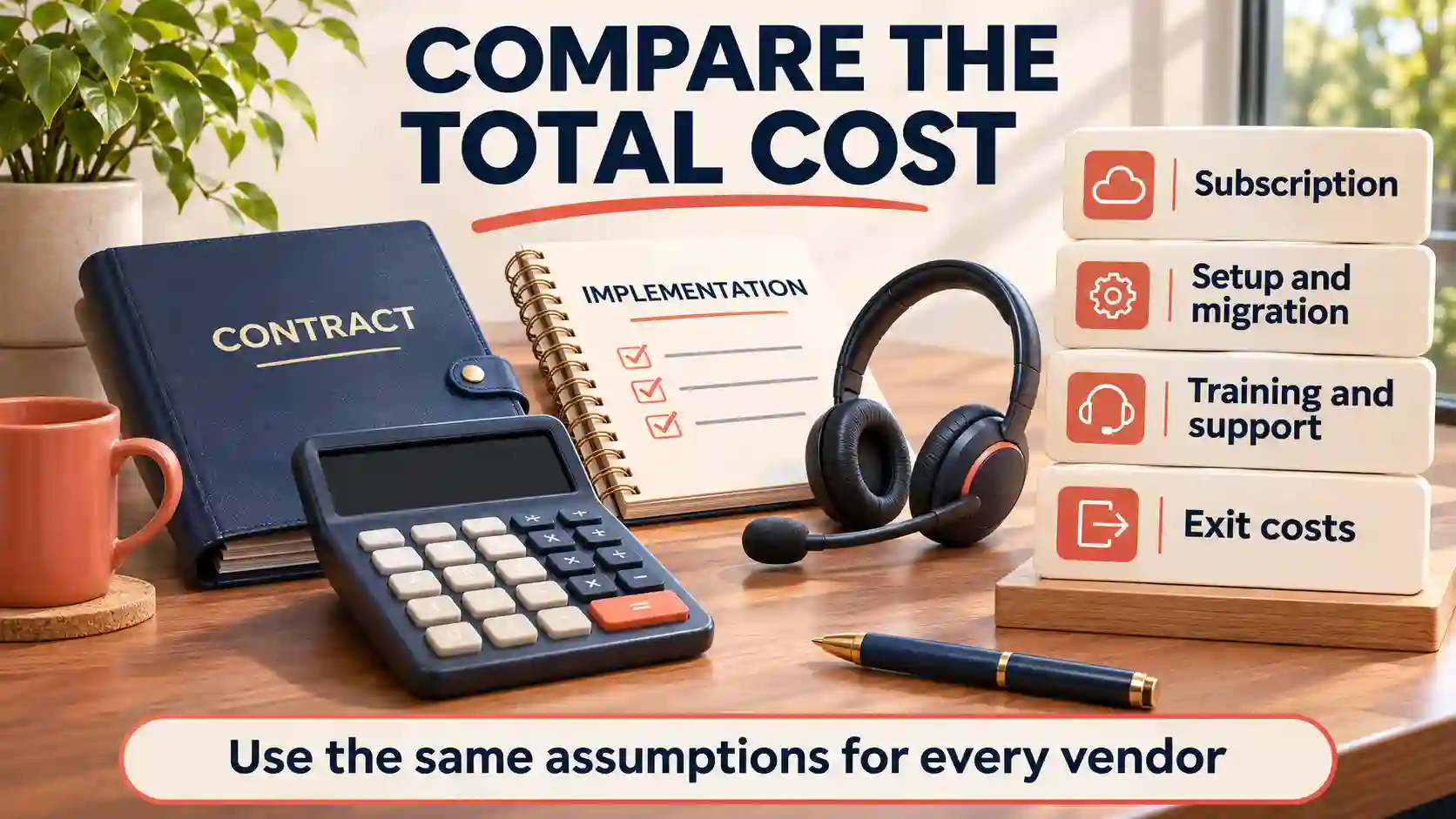
Build a total-cost estimate for advance business systems over the first few years. Include subscription tiers, per-user charges, implementation, data migration, integrations, training, premium support, and storage. Ask about likely price increases, including whether extra users or growing data volumes could move you into a higher tier.
Compare the costs of advance business systems using the same assumptions for each vendor. For example, estimate what each option would cost with your expected number of users, required integrations, and support level. Note which expenses are fixed and which may change as your company grows.
Read the contract before making a commitment. Check the contract length, renewal terms, cancellation fees, and service-level commitments, such as promised uptime and remedies for extended outages. Confirm support hours and response times, especially if delays could interrupt payroll, sales, or customer service.
Vendor reliability matters, too. Ask for references from customers with similar needs, and check whether the vendor provides clear documentation for setup, routine tasks, and troubleshooting. Discuss the product roadmap: What changes are planned, and how much notice will customers receive before features or pricing change? A roadmap is not a guarantee, so weigh it alongside the vendor’s track record and your own exit plan.
If AI is part of your shortlist, compare tools against a specific task, such as drafting internal summaries or classifying service requests. Check how each option handles your data, access controls, accuracy review, and human oversight. A guide to finding a ChatGPT alternative that fits your needs can help frame that comparison, but your own use case and safeguards should drive the decision.
Before signing a long-term contract for advance business systems, run a limited pilot where possible. Use realistic data, protect sensitive information, and ask representative users to complete actual tasks—not just follow a vendor-led demo. Include people across roles, such as frontline staff, managers, and administrators, because each group may encounter different problems.
When piloting advance business systems, agree on success criteria before the pilot begins. These might include task completion time, error rates, ease of finding information, or the number of support requests. Collect feedback consistently, and record what users could and could not do. A pilot cannot predict every future issue, but it can reveal confusing workflows, missing features, and training needs while changes are still manageable.
Finally, compare the evidence with your original requirements and budget. A system that costs more may still be the better fit if it reduces manual work or provides support your business depends on. The goal is a choice your company can afford, use, and leave safely if its needs change.
Use a Scorecard That Separates Evidence From Promises
First apply pass-or-fail checks for requirements your business cannot compromise on, such as a necessary export format or access control. Do not let a high score for optional features compensate for a failed essential requirement. Mark untested claims as unknown until there is evidence.
When scoring advance business systems, weight the remaining criteria according to business priorities. Record a score alongside the supporting demo, test result, reference, contract term, or documentation. Use the same tasks and assumptions for every finalist, and distinguish a feature available now from a paid customization or roadmap promise.
Keep your advance business systems decision record readable: requirement, evidence, remaining gap, cost, owner, and next step. Where stakeholders disagree, identify which workflow or risk drives the disagreement. A scorecard structures discussion; it should not conceal a serious operational problem behind an apparently precise total.
Assign Data Owners and Rehearse the Migration
Before migrating to advance business systems, name an owner for each important dataset, such as customers, products, suppliers, or accounts. Agree which system is authoritative for each record and which fields must match across tools. Otherwise, an integration can move inconsistent data faster without making it more accurate.
Before importing, identify duplicates, missing values, inconsistent codes, and records that should be archived under your retention rules. Document how old fields map to new ones and how identifiers, attachments, relationships, and access permissions will be handled. Use a protected test environment and the minimum representative data necessary.
Rehearse the transfer before the final changeover. Compare record counts, sample transactions, totals where meaningful, and links between records. Check how updates made during migration will be captured. Get the relevant business owner to approve the results, and retain a recoverable source copy according to an agreed retention and security plan.
Plan a Phased Rollout With a Practical Rollback Route
Name an internal process owner and a decision-maker for launch, with contacts at the vendor and implementation partner. Agree what each party must deliver, who approves changes, and how additional work is priced. Train users on their actual tasks and provide short instructions for exceptions and support requests.
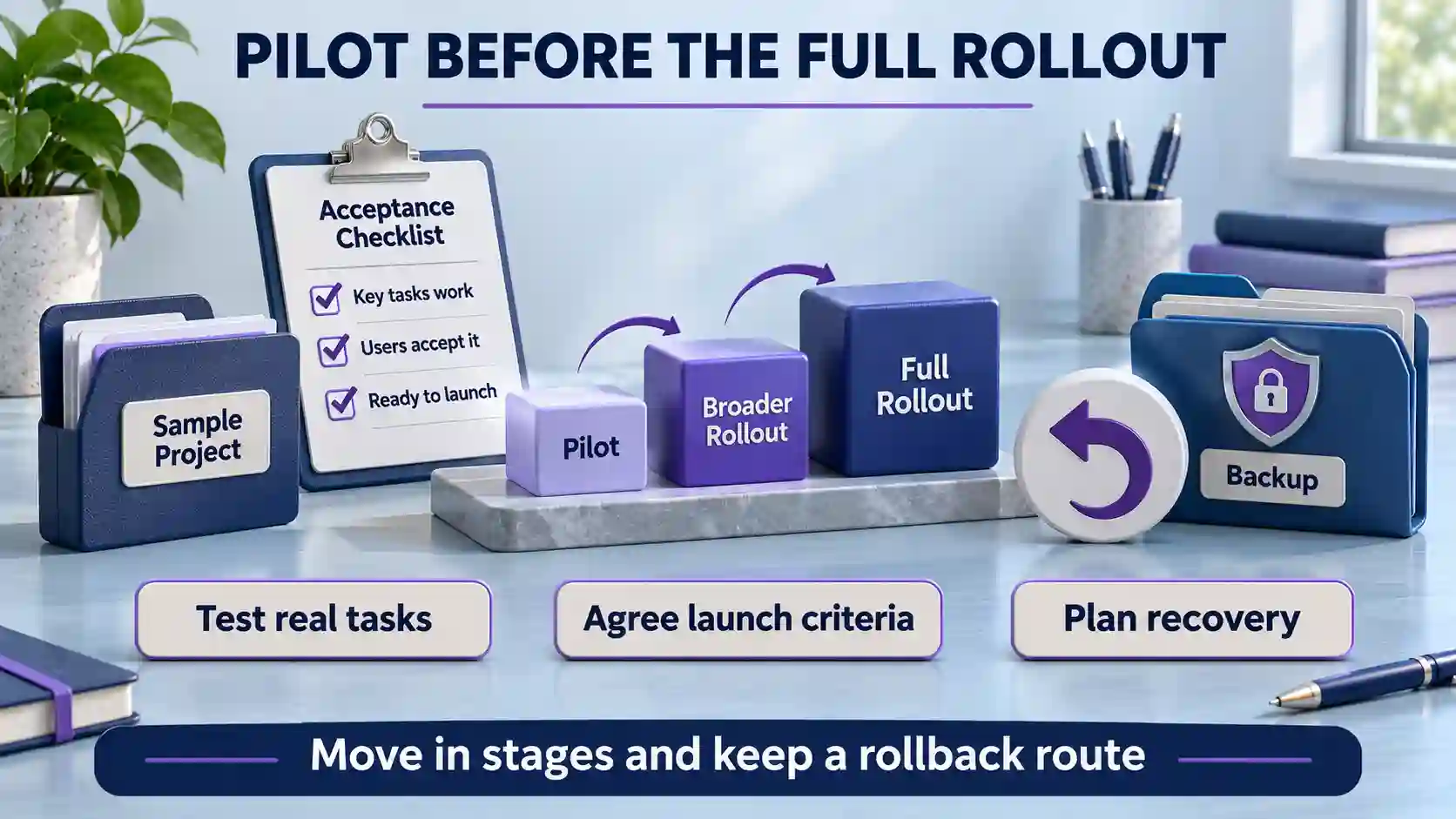
Pilot one manageable workflow or team before expanding when dependencies allow. Define acceptance checks for data accuracy, permissions, integrations, reporting, and user task completion. Record issues by business impact and resolve launch-blocking failures before moving a critical process.
Plan the changeover to advance business systems around business deadlines. Specify when edits stop in the old system, how in-flight orders or approvals are handled, and who reconciles records. Running systems in parallel may help some transitions, but only if the team can prevent conflicting updates and identify the authoritative record.
Write down the rollback conditions before launch: which failures would trigger a pause or reversal, who decides, and how transactions created after changeover would be preserved. Backups alone do not establish that a rollback will work. Rehearse the relevant recovery steps and communicate the plan to affected users.
During the initial support period, give users one clear route to report problems and identify who triages them. Distinguish a system defect from a training gap or a request to change scope. Keep an issue log with business impact, owner, and resolution status, and agree when temporary launch support transfers to the team responsible for normal operations.
Review Value, Adoption, and Access After Launch
After launching advance business systems, compare results with the baseline and pilot measures you recorded. Track task completion time, errors, workarounds, adoption, and support needs over a representative operating period. Check whether an improvement in one department has simply moved extra work to another.
Keep benefit estimates for advance business systems conservative. Time saved does not automatically become cash savings; staff may use that capacity for other work. Avoid counting the same benefit twice, include ongoing administration and training, and revisit assumptions when transaction volumes or staffing change.
For advance business systems, schedule periodic reviews of licenses, permissions, integrations, and export or recovery procedures. Remove access when roles change, confirm that key reports still reconcile, and review vendor changes before renewal. Assign ownership so the system remains usable and accountable after the implementation project closes.
Frequently Asked Questions
1. What does “advance business systems” mean in this guide?
Here it refers broadly to software and connected technology supporting business operations. This article evaluates system fit and implementation; it does not assess a specific company with that name.
2. Does a small business need an ERP?
Not necessarily. Compare the complexity of your workflows and data handoffs first. A smaller set of connected tools may fit simpler needs, while broader integration can justify evaluating an ERP.
3. Should we choose cloud or on-premises software?
Compare operational responsibilities, connectivity, recovery, access needs, and total costs. Cloud hosting reduces some infrastructure work, but your company still needs clear ownership of configuration, accounts, permissions, and data use.
4. How should we shortlist and score vendors?
Start with vendors that satisfy essential requirements, then compare them against weighted criteria and documented evidence. Keep unknowns visible; attractive optional features should not offset failure on a business-critical requirement.
5. How can we tell whether migration worked?
Rehearse the transfer, reconcile meaningful totals and record counts, and sample transactions, relationships, attachments, and permissions. Obtain business-owner approval and plan how updates made during the transition will be captured.
6. How long will implementation take?
Timing depends on workflow complexity, integrations, data quality, customization, and staff availability. Request a phased plan with dependencies and acceptance checks rather than relying on a general promise or fixed timeline.
7. Should AI features determine our choice?
Treat AI as one capability to test against a defined task. Check data handling, accuracy, review controls, and ongoing costs; an appealing demonstration does not establish reliable business value.
8. What should we check before signing and launching?
Confirm scope, costs, support, renewal and exit terms, ownership, and launch criteria. Test critical workflows and recovery steps, train users, and agree who can pause or reverse the rollout.
Conclusion
Advance business systems should be evaluated against the work your company needs to improve, the people who will use them, and the responsibilities your team can sustain. Begin with current workflows and measurable requirements, then compare realistic tasks rather than feature counts. Verify integrations, data quality, permissions, and export options before treating a vendor’s claims as established capability. A simpler tool can be a stronger choice when it meets essential needs without introducing unnecessary complexity or an unmanageable support burden.
Bring costs, security evidence, contract terms, and pilot findings into one decision record. Assign owners for migration, training, launch, and ongoing operation, and agree how to handle problems before a critical workflow moves. After launch, compare results with the baseline and review access, licenses, and recovery procedures regularly. The aim is a system that delivers useful, demonstrable improvements while remaining affordable, supportable, and practical to leave when business needs change. Revisit the choice as those needs evolve.